If you've ever bought a new phone and wondered why your old SIM card doesn't fit, or heard people talk about eSIM without really knowing what it means, you're not alone. SIM card sizes and formats have changed a lot over the past 30 years, and keeping up isn't always straightforward.
This guide breaks it all down clearly: what each format is, which one your phone uses, whether you can cut a SIM to make it fit, and why eSIM is quickly becoming the new normal in the UK.

What Is a SIM Card?
A SIM card (Subscriber Identity Module) is a small chip that identifies you on a mobile network. It stores your number, links you to your network provider (EE, Vodafone, O2, Three, and so on), and lets your phone make calls, send texts, and use mobile data.
Without a SIM, your phone can still connect to Wi-Fi, but it can't access a mobile network.
The card itself has barely changed in terms of what it does. What has changed dramatically is its physical size.
SIM Card Sizes and Formats: All Four Types Explained
The Full-Size SIM: Where It All Started
The original SIM, introduced in 1991, was the size of a credit card. You'll sometimes see it called 1FF (First Form Factor) or the ISO/IEC 7810 ID-1 format. It measured 85.6 x 54 mm.
Nobody uses this format anymore. It disappeared from consumer devices decades ago. But it's worth knowing about, because every format that came after it is essentially a smaller version of the same thing.
The Mini SIM (2FF): The Classic You Probably Remember
The mini SIM (2FF, Second Form Factor) measures 25 x 15 mm. This is the card most people picture when they think of a SIM: the one that came in a larger plastic holder you had to snap out.
It was the standard throughout the 2000s, used in Nokia handsets, early Motorolas, and most feature phones of that era. You'll still find it in some older or budget devices today, but it's largely been phased out in the UK market.
The Micro SIM (3FF): The Transitional Format
The micro SIM (3FF, Third Form Factor) measures 15 x 12 mm. Apple introduced it with the iPhone 4 in 2010, and Android manufacturers followed shortly after.
It's noticeably smaller than the mini SIM, but the chip itself is identical. The plastic surround was simply trimmed down. If you owned an iPhone 4, 4S, or an early iPad, you used a micro SIM.
Most UK networks stopped issuing micro SIMs as their default, though some older devices still require one.
The Nano SIM (4FF): Today's Standard
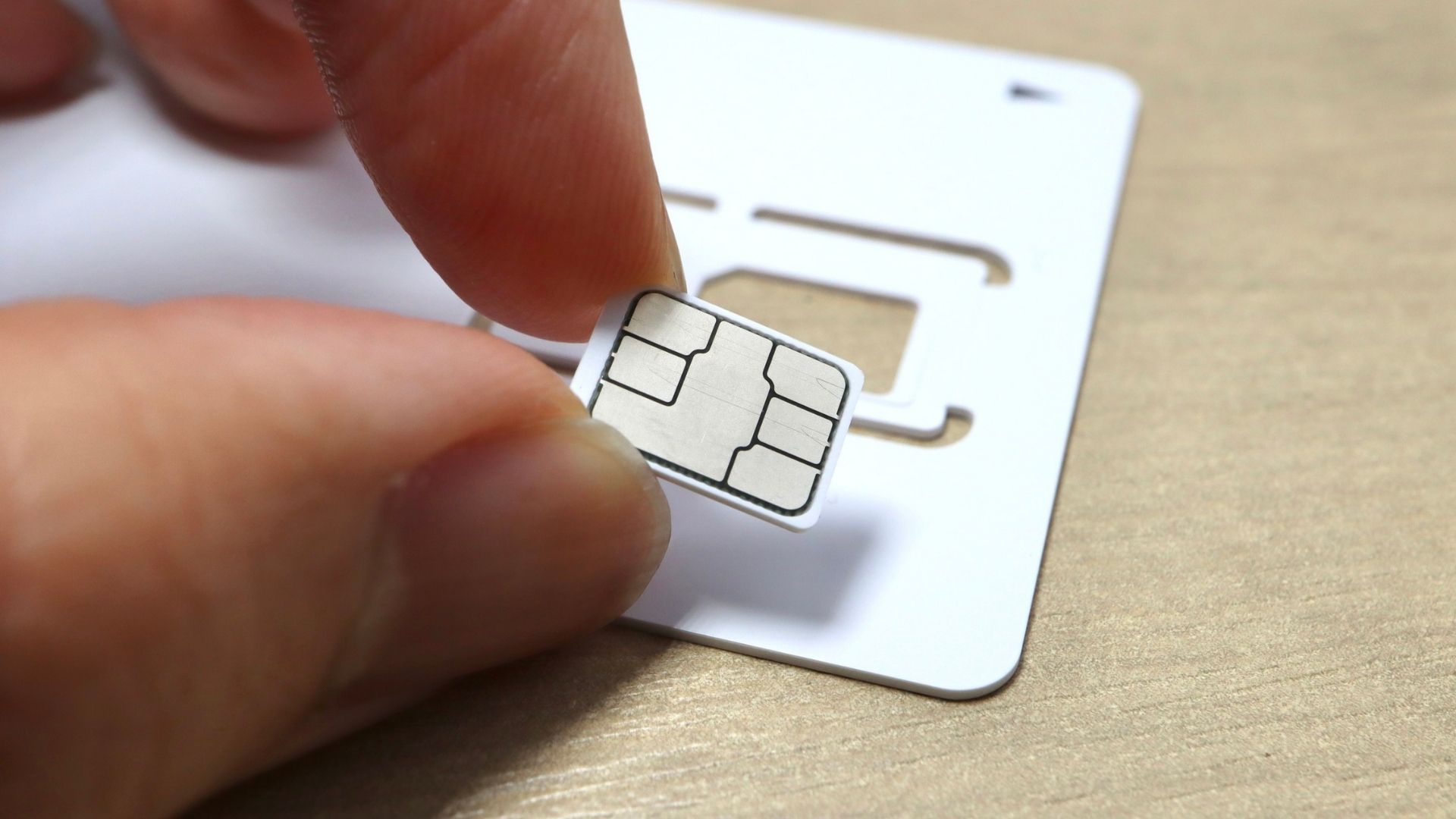
The nano SIM (4FF, Fourth Form Factor) measures 12.3 x 8.8 mm. It's been the standard physical SIM format since Apple introduced it with the iPhone 5 in 2012.
At this size, the card is almost entirely chip. There's barely any plastic surround left. Virtually every smartphone sold in the UK today uses a nano SIM: iPhones from the 5 onwards, Samsung Galaxy S and A series, Google Pixel, OnePlus, and most others.
When you order a SIM from EE, Vodafone, O2, or Three today, you'll typically receive a triple-cut card: one piece of plastic with the mini, micro, and nano sizes pre-punched. You pop out whichever size you need.
The eSIM: No Card at All
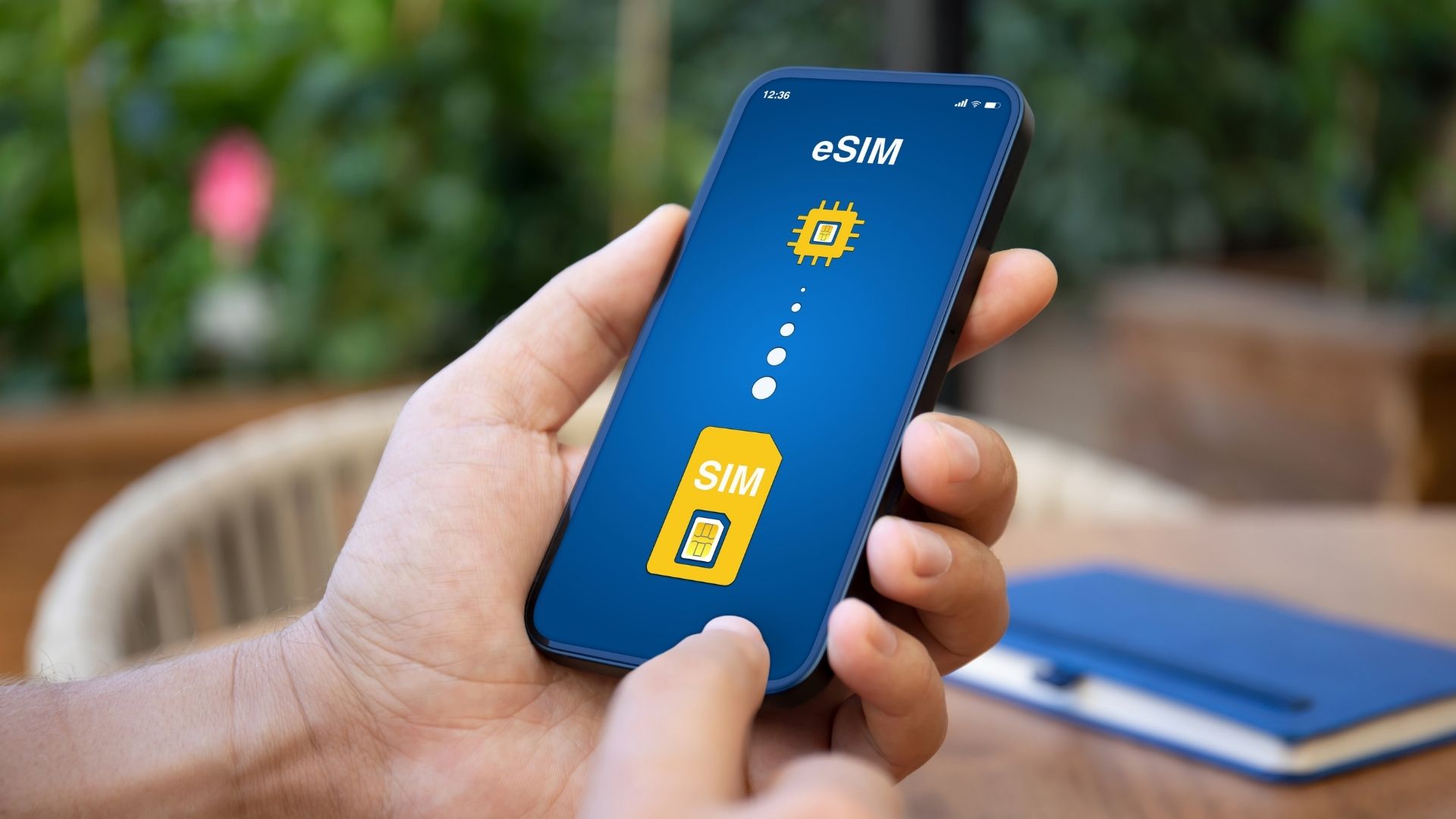
The eSIM (embedded SIM, also called eUICC) is a completely different concept. There's no physical card to insert. The chip is soldered directly onto the phone's motherboard during manufacturing.
You activate an eSIM by scanning a QR code or using an app. The whole process takes a few minutes, and you never need to visit a shop or wait for a card in the post.
The eSIM standard is managed under ISO/IEC specifications and has been gaining traction since around 2016. In the UK, all four major networks now support eSIM, and so do most flagship devices released since 2018.
On iPhones sold in the US from the iPhone 14 onwards, there's no nano SIM slot at all: eSIM only. UK models still include a physical slot alongside eSIM support, but the direction of travel is clear.
SIM Card Sizes at a Glance
| Format | Technical Name | Dimensions | Typical Devices |
|---|---|---|---|
| Full-size | 1FF | 85.6 x 54 mm | No longer in use |
| Mini SIM | 2FF | 25 x 15 mm | Feature phones, older handsets (pre-2010) |
| Micro SIM | 3FF | 15 x 12 mm | iPhone 4/4S, early Android (2010-2012) |
| Nano SIM | 4FF | 12.3 x 8.8 mm | iPhone 5+, Samsung Galaxy S/A, Google Pixel, most current smartphones |
| eSIM | eSIM / eUICC | No physical size (embedded) | iPhone XS+, Samsung Galaxy S20+, Google Pixel 3+, most 2020+ flagships |
How to Find Out Which SIM Size Your Phone Needs
This is the question most people actually come here to answer. Here's how to work it out quickly.
- Check the SIM tray on your device. The slot size tells you everything. If it's tiny, it's nano. If there's no slot at all, your phone may be eSIM-only.
- Look up your exact model online. Search for your phone model followed by "SIM card size" and you'll get the answer in seconds.
- Check the manufacturer's specs page. Apple, Samsung, Google, and others list SIM type under technical specifications.
- For iPhones specifically: any iPhone from the 5 onwards uses a nano SIM. iPhone XS and later also support eSIM. iPhone 14 (UK model) supports nano SIM and eSIM simultaneously.
- For eSIM compatibility: on iPhone, go to Settings > Mobile Data > Add eSIM. If the option is there, your phone supports it.

Can You Cut a Larger SIM Card Down to a Smaller Size?
Short answer: don't.
Longer answer: it's technically possible, and you'll find cutting tools sold online. But the nano SIM chip sits extremely close to the card's edge. A cut that's even half a millimetre off can damage the chip permanently.
The tolerances involved are tighter than most DIY cutting tools can reliably achieve. You risk ending up with a useless piece of plastic and no working SIM.
The right move: contact your UK network provider. EE, Vodafone, O2, and Three will all swap your SIM to the correct size. It's usually free or costs a few pounds at most, and it takes minutes in-store. Some networks let you order a replacement SIM online and activate it yourself.
It's not worth the risk of destroying your SIM to save a short trip or a small fee.
Combo SIM Cards and Adapters: Staying Flexible
If you have an older SIM and need to use it in a newer device (or vice versa), there are two practical options.
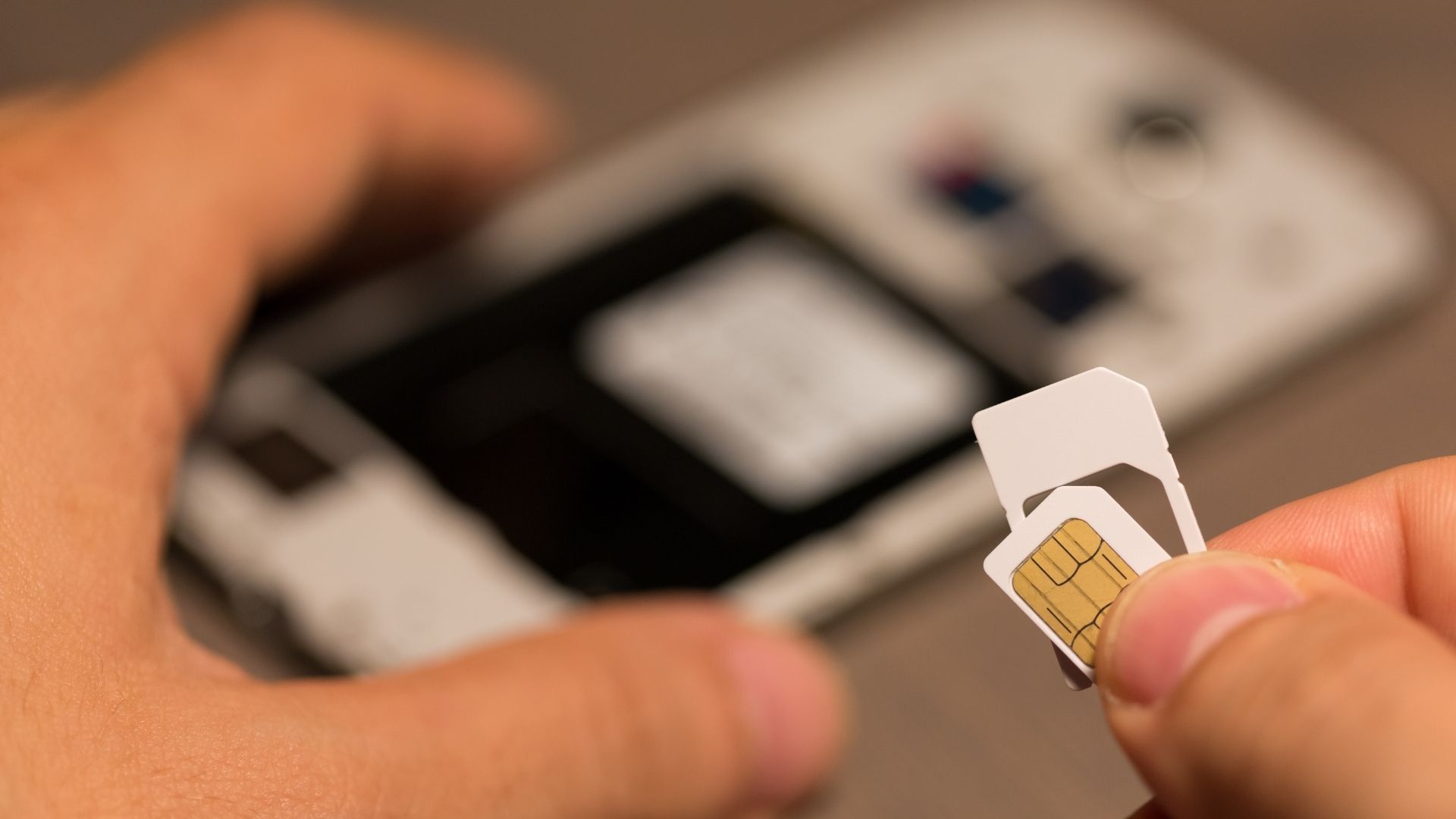
Combo SIM cards are the triple-cut cards mentioned earlier. Most UK networks issue these by default now. You receive one card with all three physical sizes pre-punched, and you pop out the one you need: mini, micro, or nano.
SIM adapters work the other way: they let you insert a smaller SIM into a larger slot. A nano SIM in a micro SIM adapter, for example. These are cheap and widely available. They work fine as a temporary fix, but can occasionally get stuck in the tray if the fit isn't perfect. Use them with care.
Neither option applies to eSIM, which has no physical component to adapt.
Physical SIM vs eSIM: Which Makes More Sense Today?
For everyday use in the UK, both work perfectly well. The choice often comes down to your phone, your network, and your habits.
Reasons to use eSIM:
- No physical card to lose, damage, or misplace
- Instant activation, no waiting for delivery
- Ideal for travel: buy a data eSIM before you leave, activate it on arrival
- Some devices can store multiple eSIM profiles and switch between them
- Dual SIM capability without needing two physical slots
Limitations of eSIM:
- Not supported on older or budget devices
- Transferring an eSIM to a new phone is slightly more involved than moving a physical SIM
- A small number of networks and destinations still don't offer eSIM
Reasons to stick with a nano SIM:
- Works on any compatible device, including older ones
- Familiar process: insert, activate, done
- Easier to hand over if you lend your number to someone temporarily
For travellers, the combination of a nano SIM (keeping your UK number) and an eSIM (local data abroad) is genuinely useful. You stay reachable on your regular number while avoiding expensive roaming charges. It's a setup that works well across Europe, the US, Asia, and beyond.
If you want to compare eSIM options for your next trip, our eSIM comparator lets you filter by destination, data volume, and duration to find what fits your itinerary.
