If you are searching for the best eSIM for a cruise, you are already ahead of most passengers. Internet access on cruise ships is one of the most expensive traps in travel, and the people who get stung are not careless. They just did not know how the network works at sea.
I have seen bills of over £2,000 for a week in the Mediterranean. One case topped £9,000 on a transatlantic crossing. None of those passengers deliberately used their data. Their phones just connected automatically to the ship's network while they slept.
This guide explains how to avoid that, which eSIM actually works in which situation, and what to do before you leave port.
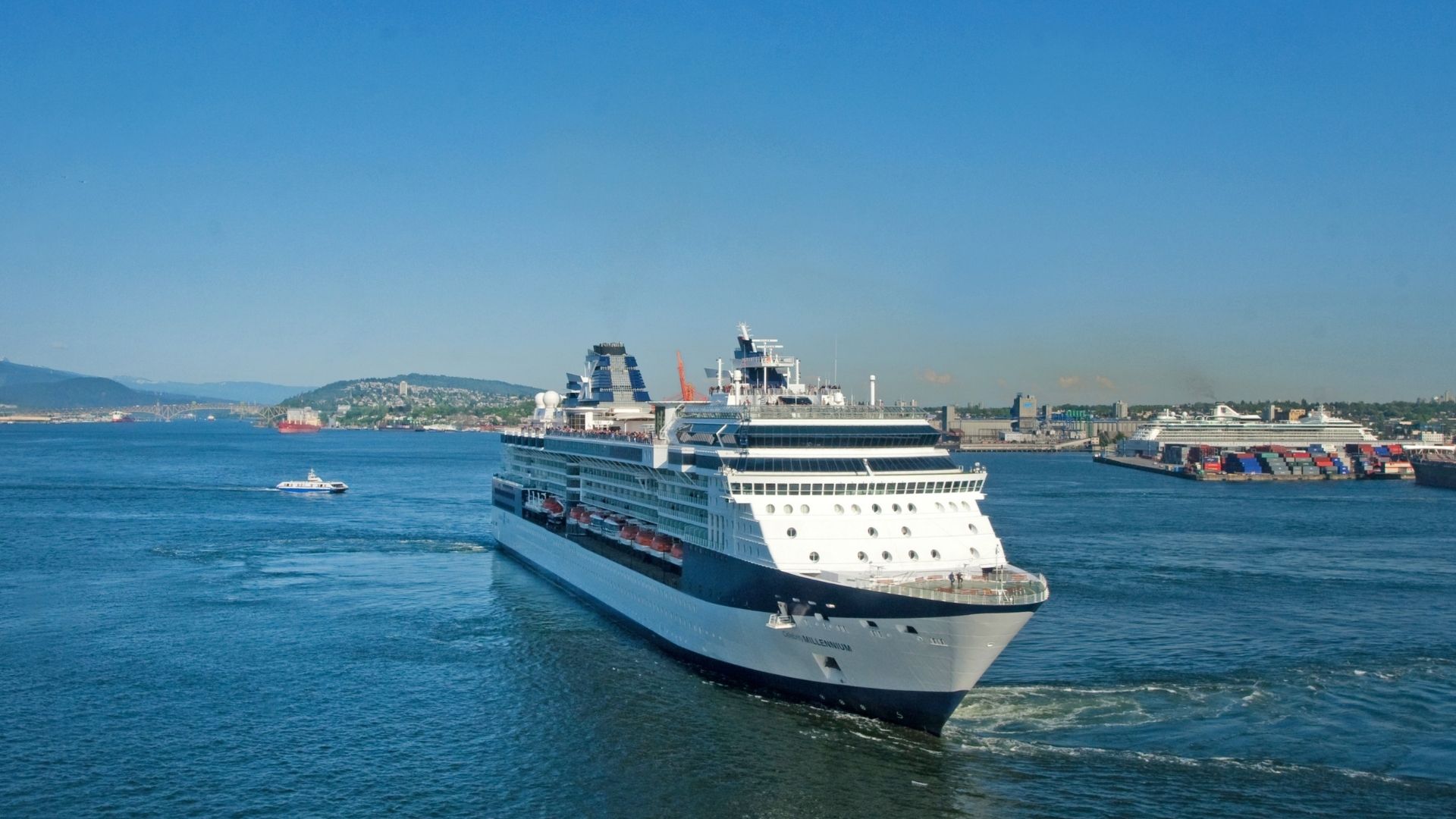
Why Internet Access on Cruise Ships Is So Complicated
The Three Network Zones You Move Through
Your phone does not live in one single network environment on a cruise. It moves through three distinct zones, and each one has completely different rules.
Zone 1: Port and coastal waters (up to roughly 10 to 12 nautical miles from shore). Your phone picks up normal land-based mobile towers here. A local eSIM works exactly as it would in any city. This is also where you spend most of your useful connected time: exploring ports, finding restaurants, messaging people back home.
Zone 2: Open sea (beyond roughly 12 nautical miles). No land-based signal reaches here. Your phone automatically searches for any available network and locks onto the ship's own system, called Cellular at Sea. This is where the financial damage happens.
Zone 3: The ship's onboard Wi-Fi. This is a separate network sold by the cruise line itself. It works both at sea and in port, and it is increasingly powered by Starlink satellite technology. More on this later.
Cellular at Sea: The Maritime Roaming Trap
When your phone connects to the ship's network at sea, you will see the operator code 901 in your signal bar. That number means you are on a maritime satellite network, not a standard mobile one.
This matters because maritime roaming is not covered by standard UK mobile plans. It is not covered by the roaming protections that apply across Europe. It is a completely separate billing category, operated by a private satellite provider, and the rates can reach several pounds per megabyte.
A single background app update, a WhatsApp photo loading automatically, a podcast syncing while you are asleep: any of these can generate a bill of hundreds of pounds without you touching your phone.
This is not an exaggeration. It happens to British passengers every year.
The 12-Nautical-Mile Gap Nobody Mentions
Here is something most eSIM guides skip entirely. The at-sea eSIMs from providers like GigSky and Maya work by connecting through the ship's satellite antenna. But that antenna is legally required to be switched off within 12 nautical miles of the coast, for regulatory reasons.
This means there is a transition window, roughly one hour after leaving port and one hour before arriving, where neither your local eSIM nor your at-sea eSIM will work. It is not a fault. It is maritime law.
No eSIM provides 100% coverage throughout an entire cruise. Anyone who tells you otherwise is not being straight with you.
Why a Cruise eSIM Is Different From a Normal Travel eSIM
A standard travel eSIM, the kind you buy for a trip to Spain or Thailand, connects to local mobile networks on land. It is brilliant for that purpose.
At sea, there are no local mobile networks. The only signal available is the ship's satellite relay. A standard eSIM cannot connect to that system. It simply shows no service.
The eSIMs designed specifically for cruises, primarily GigSky and Maya, work differently. They are configured to connect through the ship's satellite infrastructure when you are out at sea. This is why they cost more and why they are only worth buying if you genuinely need connectivity in open water.
For most cruises with regular port stops, a standard local eSIM used in port is the smarter and cheaper choice.
The Best eSIM Options for a Cruise, by Situation
Option 1: A Standard Local eSIM for Port Stops (Best Value)
For the majority of cruises, this is the approach I recommend first. Mediterranean itineraries, Caribbean routes, Norwegian fjords, all of these involve spending your days in port and your nights at sea. In port, a local eSIM works perfectly. At sea, you are usually eating, sleeping, or enjoying the ship.
Providers worth considering for port-based connectivity:
- Airalo: covers virtually every cruise destination globally, reliable and straightforward to set up.
- Holafly: unlimited data plans, and their Caribbean regional plan is particularly convenient for island-hopping itineraries.
- GoMoWorld: solid value, free trial available.
- Saily: a reasonable option for port stops. Note: Saily has advertised a cruise plan, but I have not been able to independently confirm it connects reliably in open water. I would treat it as a port-only solution until that changes.
Option 2: A Dedicated At-Sea eSIM (GigSky and Maya)
If you are doing a transatlantic crossing, a world cruise, or any itinerary where you spend multiple consecutive days at sea, a dedicated cruise eSIM becomes genuinely useful.
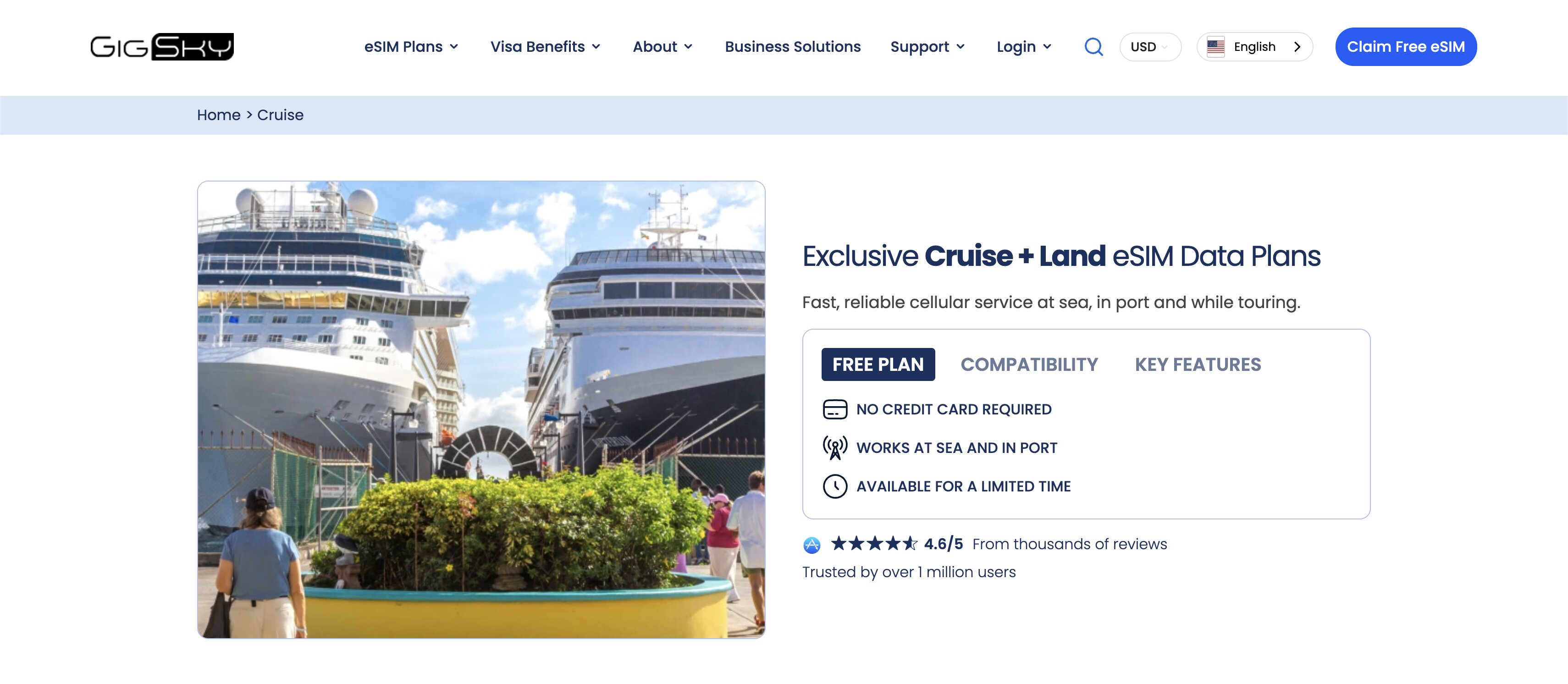
GigSky is my first recommendation for open-water connectivity. It is the established specialist in this space, compatible with more than 290 cruise ships. Their Cruise + Land plan covers both open sea and port destinations under a single eSIM, which means you are not juggling multiple plans mid-voyage.
One detail I particularly like: GigSky offers a free 100MB trial with no card required. You can test it before you board, which removes the guesswork entirely.
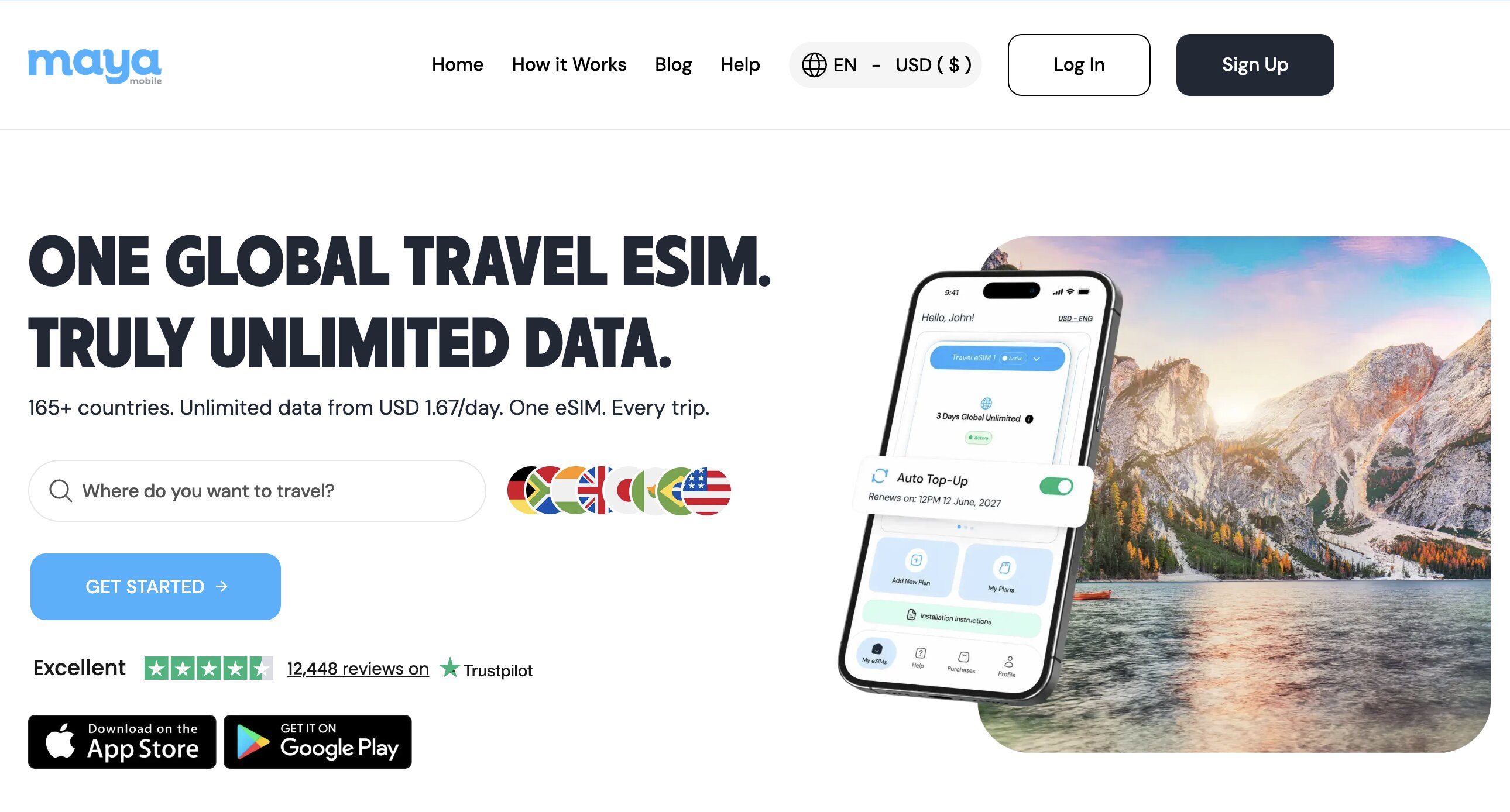
Maya is the other confirmed at-sea option. It offers an unlimited plan on a fair use basis, meaning speeds are reduced after a daily threshold (think of it like a motorway slowing to 50mph after a certain point, rather than being cut off entirely). Compatible with more than 20 cruise lines. It suits longer voyages where you want to stay connected without watching your data balance.
Always check current pricing directly on their websites before you sail. Rates vary by ship, route, and duration.
Option 3: The Ship's Wi-Fi (Increasingly Worth It)
The onboard Wi-Fi has a poor reputation, and historically that was deserved. Slow, expensive, and unreliable. That is changing fast.
More cruise lines are now fitted with Starlink, SpaceX's low-orbit satellite network. On Starlink-equipped ships, speeds of 50 to 200 Mbps are realistic. That is enough for video calls, streaming, and working remotely.
Pricing varies by cruise line and package, typically in the range of £15 to £35 per device per day (verify before you sail, as this changes frequently). The consistent advice: buy your Wi-Fi package online before boarding. Pre-booking is almost always cheaper than purchasing at the customer service desk on the ship.
Comparing Your Options at a Glance
| Option | Works at Sea? | Works in Port? | Best For |
|---|---|---|---|
| GigSky Cruise + Land | Yes (290+ ships) | Yes | Open water, all-in-one plan |
| Maya | Yes (fair use unlimited) | Yes | Long crossings, unlimited data |
| Airalo | No | Yes | Port stops, universal coverage |
| Holafly | No | Yes | Port stops, unlimited data |
| GoMoWorld | No | Yes | Port stops, budget-friendly |
| Saily | Not confirmed at sea | Yes | Port stops only |
| Ship Wi-Fi (Starlink) | Yes | Yes | Streaming and video calls at sea |
For a detailed face-off between two of these eSIMs, read GigSky vs Saily.
Which eSIM to Choose Based on Your Cruise Type
| Cruise Type | Network Environment | Recommended Approach |
|---|---|---|
| River cruise (Nile, Danube, Rhine) | Land signal throughout | Standard local eSIM, no maritime risk |
| Mediterranean with port stops | Land in port, sea overnight | Local eSIM (Airalo, Holafly, GoMoWorld) |
| Caribbean island-hopping | Land in port, sea between islands | Holafly Caribbean plan or Airalo |
| Norwegian fjords / Alaska | Land in port, sea between stops | Local eSIM, add GigSky if needed at sea |
| Transatlantic crossing | Majority open water | GigSky Cruise + Land or Maya |
| World cruise / expedition | Extended open water | GigSky Cruise + Land or Maya |
| Antarctic / polar expedition | Very limited satellite coverage | Ship Wi-Fi only |
River Cruises: The Simplest Case
Good news if you are cruising the Nile, the Danube, or the Rhine. You never leave inland waterways, which means your phone stays on land-based networks the entire time. No maritime roaming, no Cellular at Sea, no nasty surprises.
A standard local eSIM per country is all you need.
Mediterranean and Caribbean Cruises
This is the most common scenario for British cruisers. Days in port, nights at sea. The most cost-effective approach is a local eSIM used during port stops, with everything switched off when you reboard.
For Caribbean itineraries, Holafly's regional Caribbean plan is genuinely convenient: one plan covering multiple islands rather than buying separately for each destination.
Transatlantic and Expedition Cruises
Multiple consecutive days at sea make a dedicated at-sea eSIM worth the investment. GigSky's Cruise + Land plan handles both environments without you needing to switch between plans. Use the free 100MB trial to confirm it works on your specific ship before you commit to a full package.
For polar expeditions, satellite coverage is extremely limited regardless of provider. The ship's onboard Wi-Fi is the only realistic option.
The One Setting That Prevents a Four-Figure Bill
This is the most important section in this guide. Do this before the ship leaves port, not after.
On iPhone
- Open Settings.
- Tap Mobile Data.
- Tap Mobile Data Options.
- Switch off Data Roaming.
- Go back and enable Aeroplane Mode.
- Re-enable Wi-Fi only if you are using the ship's onboard network.
On Android
- Open Settings.
- Tap Network & Internet (or Connections, depending on your device).
- Tap SIM or Mobile Network.
- Switch off Data Roaming.
- Enable Aeroplane Mode from the quick settings panel.
- Re-enable Wi-Fi only if needed.
This takes under a minute. It can save you thousands of pounds.
One important note: do this even if you plan to use the ship's Wi-Fi. Some phones will briefly drop the Wi-Fi connection and automatically reconnect to Cellular at Sea in the background, especially during the night. Aeroplane Mode with Wi-Fi re-enabled is the only configuration that fully prevents this.
Final Verdict: What Is the Best eSIM for a Cruise?
The honest answer is that it depends on your itinerary. Here is how I would break it down.
If you are on a cruise with regular port stops (Mediterranean, Caribbean, fjords): a standard local eSIM is the right call. Use it in port, switch everything off when you board. Check the eSIM comparator to find the best current plan for your destinations.
If you are doing a long crossing or need to be reachable at sea: GigSky Cruise + Land is the most complete solution available. Start with the free 100MB trial to verify compatibility with your ship. Maya is the alternative if you want unlimited fair-use data for an extended voyage.
If you are on a river cruise: any standard local eSIM works. No maritime risk applies.
In every case, the rule that matters most is the same: disable roaming and enable Aeroplane Mode before the ship leaves port. That single step is worth more than any eSIM choice you make.
Ready to compare plans? Head to the eSIM comparator to find the right option for your cruise.
In short: the recommended cruise eSIMs
At sea: GigSky (the specialist, free 100 MB trial) · Maya (fair-use unlimited)
In port: Holafly (LEZBROZ -5%) · Airalo · GoMoWorld (LEZBROZ -10%) · Saily (LEZBROZ -5%)
River cruise: Ubigi (LEZBROZ -10%)