


If you are planning a trip to Tunisia and want to stay connected without paying extortionate roaming fees, this Tunisia eSIM comparison is exactly what you need. Tunisia sits outside the EU, which means your UK mobile plan offers you zero roaming protection there. I have broken down how eSIMs actually work in the country, which networks they use, how much data different types of traveller need, and whether an eSIM genuinely beats buying a local SIM at the airport.
The short answer: it works very well. But there are a few things worth knowing before you buy.
Does an eSIM Actually Work in Tunisia?
How a travel eSIM connects to Tunisian networks
Tunisia is not in the EU or EEA. That matters for UK travellers because the roaming protections that applied during EU membership no longer cover you here, and your UK operator will charge standard international roaming rates unless you have a specific add-on. Those add-ons can be expensive, and the coverage they offer is often limited.
A travel eSIM works differently. You buy it from a specialist provider such as Airalo, Holafly or Saily, and it connects to local Tunisian networks through a roaming partnership agreement. Your phone behaves as though it has a local SIM, but you have set everything up at home before you travel.
The practical upside is significant. You scan a QR code, install the eSIM in your phone settings, and it is ready to activate the moment you land. No queuing at an airport kiosk, no handing over your passport to a stranger, no risk of losing your UK SIM while swapping it out.
The three local networks and what to expect from 4G
Tunisia has three main mobile operators: Ooredoo, Orange Tunisia and Tunisie Telecom. All three offer 4G in urban and tourist areas. 5G is still very limited and in early rollout phases, so do not factor it into your planning for 2026.
Depending on which eSIM provider you choose, your phone will connect to one or more of these networks. Some providers offer multi-network eSIMs that automatically switch to the strongest available signal. That is worth looking for if you plan to travel beyond the main tourist corridors, as it can make a real difference in less densely covered areas.
How Much Data Do You Need for Tunisia?
Data estimates by traveller type
Light traveller
WhatsApp, maps, emails
- Occasional Google Maps navigation
- WhatsApp messages and voice notes
- Checking emails and weather
- Little or no video streaming
Hotel and resort Wi-Fi covers most of the rest. A 5 GB plan is comfortably enough for a week.
Connected traveller
Social media, GPS, stories
- Instagram, TikTok and stories throughout the day
- Active Google Maps navigation
- Some WhatsApp or FaceTime video calls
- Music streaming on Spotify or similar
Stories and Reels eat through data quickly. Go for a 15 or 20 GB plan if you post regularly.
Digital nomad / remote worker
Video calls, file transfers, hotspot
- Regular Zoom or Teams meetings
- Uploading large files (RAW photos, video footage)
- Sharing a hotspot with a laptop
- Evening video streaming
Watch out for throttling on unlimited plans: speeds are often reduced after 20 to 30 GB of high-speed data. Check the small print before buying.
Adjusting your estimate based on hotel Wi-Fi
One thing that genuinely changes the data maths in Tunisia is hotel Wi-Fi. If you are staying at a resort or a mid-range hotel, there is a good chance you will have Wi-Fi available in the evenings. That shifts a lot of your heavier usage (Netflix, video calls, uploading photos) off your mobile data plan entirely.
A connected traveller who has reliable Wi-Fi at night can often get away with 8 to 10 GB for a week rather than 12. That is worth factoring in when you compare plans on the tool above.
The exception is the south. If you are heading to the Sahara, Tozeur or Douz, do not count on hotel Wi-Fi being fast or reliable. Build in extra buffer and download your Google Maps offline tiles before you leave the city.
A practical rule I always follow: add 1 to 2 GB on top of your estimate. Running out of data in the middle of the desert is a very avoidable problem.
eSIM vs Local SIM in Tunisia: Which Is Better?
The honest case for a local SIM
Let's be straight about this. A local SIM in Tunisia is genuinely cheap. You can pick up an Ooredoo or Orange Tunisia SIM at Tunis-Carthage airport or Djerba airport for a handful of Tunisian dinars, with several gigabytes included. On pure price per GB, it is hard to beat.
Local SIMs also run directly on the operator's own network, without any roaming layer in between. In rural areas or the deep south, that can occasionally give them a slight edge in coverage.
The downsides are real though. You have to queue at a kiosk, present your passport, wait for activation, and physically swap your SIM. If your phone only has one physical SIM slot, your UK number goes offline for the duration of your trip. That means no bank verification texts, no calls from home, no two-factor authentication codes.
When an eSIM is the right call
For most UK travellers, the eSIM wins on convenience. Here is when it makes the most sense.
You want to keep your UK number active. With a data-only eSIM, your physical UK SIM stays in the phone. You receive bank texts, calls, and authentication codes without interruption.
You want to be online the moment you land. The eSIM is installed at home and activates automatically when you arrive in Tunisia. No queuing, no waiting.
You are travelling for a week or less. For shorter trips, the hassle of finding and activating a local SIM rarely makes sense when a well-priced eSIM does the job just as well.
You rely on WhatsApp, FaceTime or Google Maps. These all work perfectly on a data connection. You do not need a Tunisian phone number to stay reachable.
The one scenario where a local SIM genuinely makes more sense: a long stay of two weeks or more, where you do not need your UK number active and you want the absolute lowest price per GB. For everyone else, the eSIM is the more practical choice.
Coverage in Tunisia: Resorts, Cities and the Sahara
Where coverage is strong
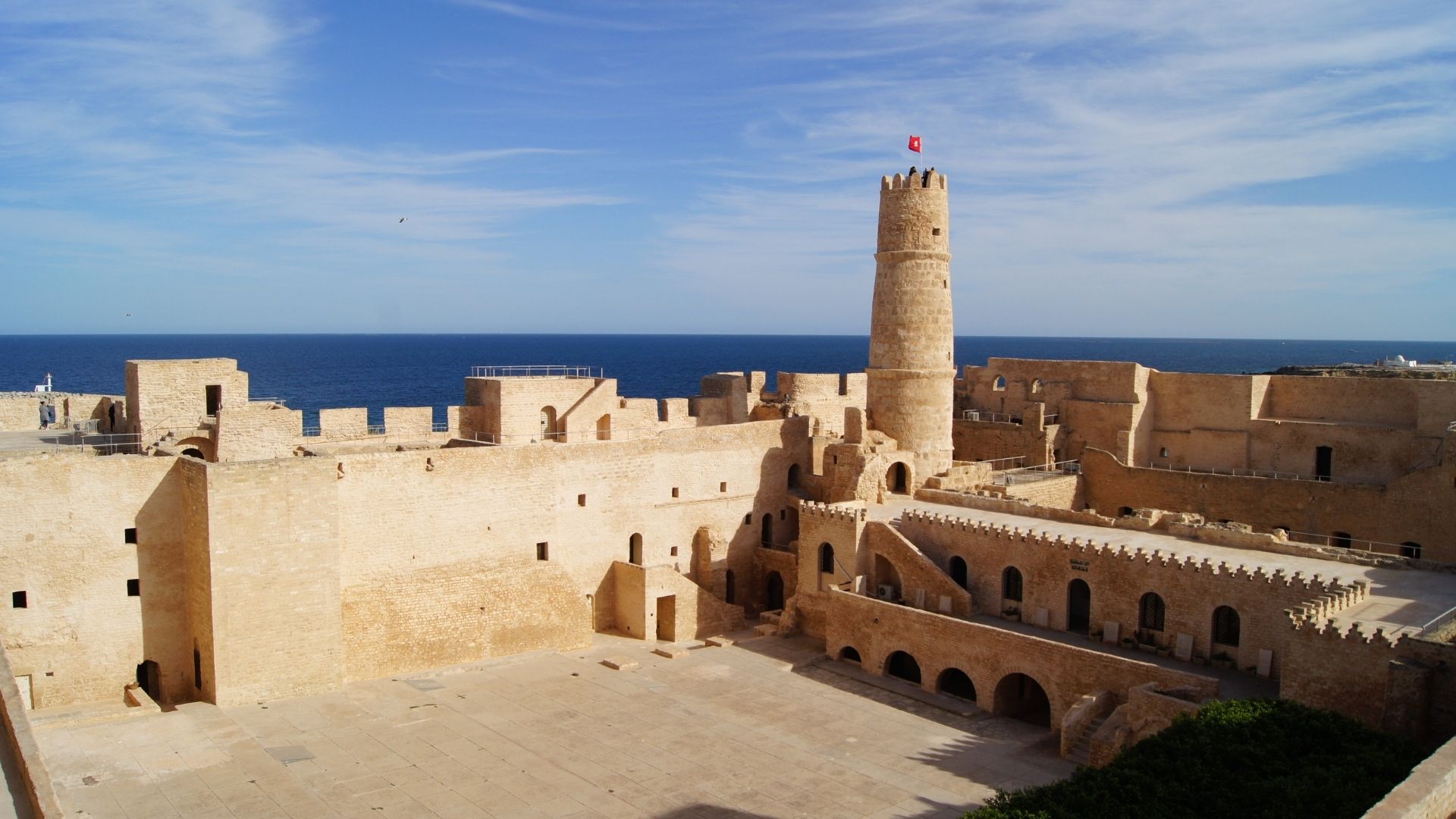
The 4G signal is reliable across all the main tourist and urban areas. Based on real-world feedback and network data, here is what you can expect:
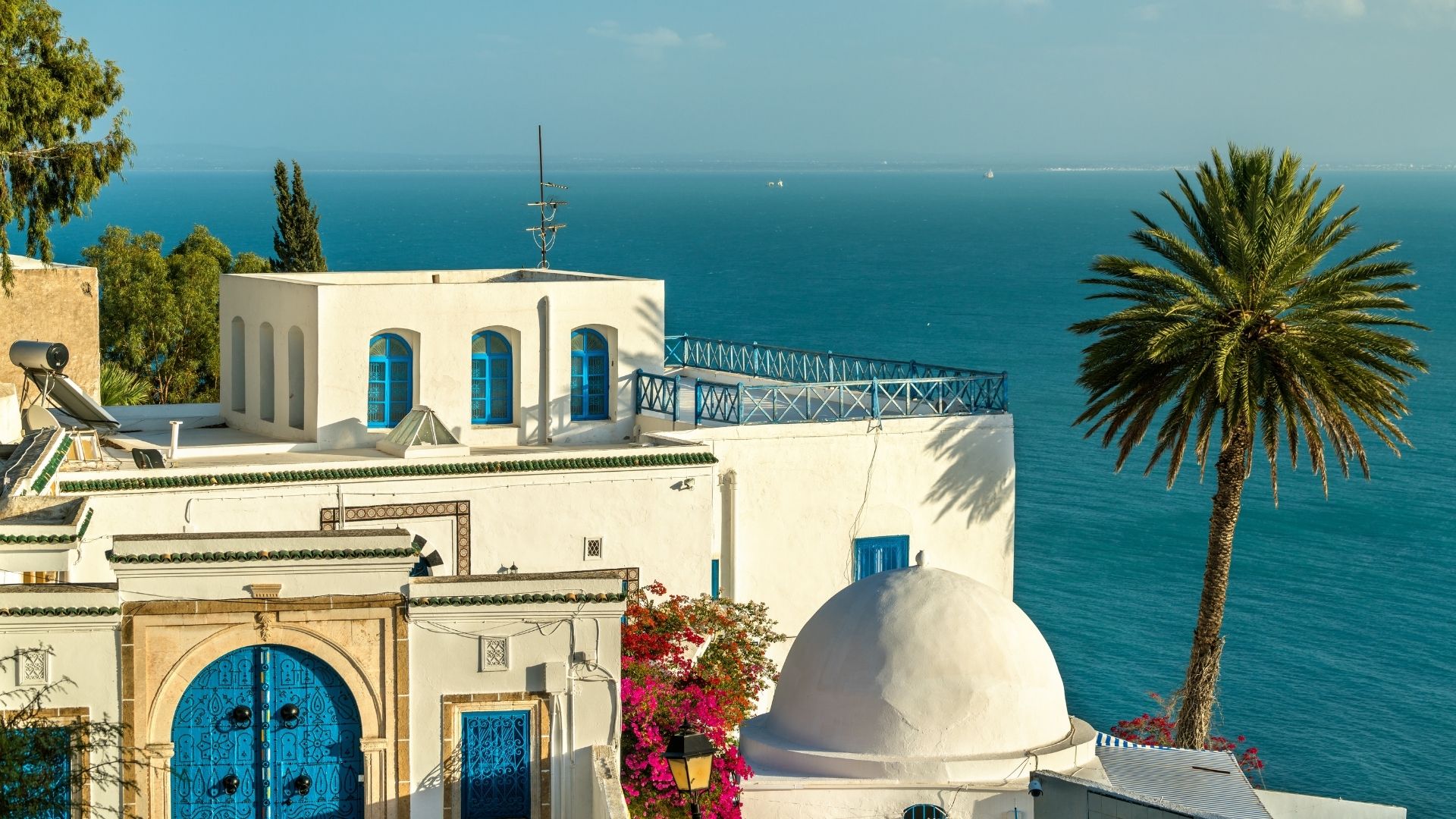
- Tunis and its suburbs (La Marsa, Sidi Bou Said, Carthage): excellent 4G throughout
- Sousse, Hammamet, Nabeul and the northern coast: very well covered
- Djerba: good coverage across the island, particularly in Houmt Souk and Midoun
- Sfax and Monastir: reliable urban coverage
- Kairouan: 4G available in the city centre
If your trip is a beach holiday or a city break in Tunis, you will not have any connectivity issues worth worrying about. The medinas, restaurants and hotel zones in all major cities are well served.
Where it gets patchy: the deep south and desert
The Saharan south is a different story. Areas around Douz, Tozeur, Matmata and the desert tracks have much weaker coverage. You may get 2G or 3G intermittently, and in the most remote spots, no signal at all.
A few practical things to keep in mind if you are heading south:
- Tozeur and Douz town centres have 4G, but it drops off quickly once you leave the built-up area.
- Desert 4x4 excursions into the dunes: plan to be offline. That is part of the experience.
- Download Google Maps offline for the regions you are visiting before you leave the last city. This is non-negotiable for desert travel.
- Camps and guesthouses in the south often have poor or no Wi-Fi. Do not rely on it for anything important.
This is not a limitation of eSIMs specifically. Any SIM, local or otherwise, faces the same physical network constraints in the Sahara. An eSIM does not make things worse here, it just cannot make them better either.
How to Set Up Your Tunisia eSIM: Compatibility and Installation
Checking your phone is compatible
Before you buy anything, confirm two things.
First, your phone must support eSIM. Most recent smartphones do: iPhone XS and later, Samsung Galaxy S20 and above, Google Pixel 3a and above, and a wide range of other Android devices. If you are not sure, check your phone's settings or the manufacturer's website.
Second, your phone must be unlocked. If you bought your handset directly from a UK network operator on a contract, it may be locked to that network and unable to install a third-party eSIM. Contact your operator to check, and ask them to unlock it if necessary. This is usually free once your contract is past a certain point.
Installing and activating before you fly
The process is straightforward and takes about five minutes:
- Buy your eSIM from your chosen provider (Airalo, Holafly, Saily and others all offer Tunisia plans)
- Receive a QR code by email
- Go to your phone settings (on iPhone: Settings > Mobile Data > Add eSIM; on Android it varies slightly by device)
- Scan the QR code to install the eSIM profile
- Leave it installed but inactive until you land in Tunisia
I always recommend installing the eSIM at least 48 hours before departure. If something goes wrong technically, you have time to contact customer support without the pressure of a flight the next morning.
Getting connected on arrival and managing your data
When you land at Tunis-Carthage or Djerba, switch to the eSIM in your settings and enable mobile data. The connection usually establishes within a couple of minutes.
A few settings to double-check:
- Turn off roaming on your UK SIM to avoid any accidental charges from your home operator.
- Set the eSIM as your default mobile data line in your dual-SIM settings.
- If you need to share your connection via hotspot with a laptop or tablet, the vast majority of Tunisia eSIM plans support it. Verify this in the plan description before purchasing, as a small number of plans restrict it.
Most providers have a mobile app or online dashboard where you can monitor your remaining data in real time. Worth checking before a long drive south, so you are not caught short.
How to Use the Comparator to Find the Right Plan

Matching your profile to the right plan
The comparison tool at the top of this page shows live eSIM plans for Tunisia, filtered by data volume and trip duration. With over 160 providers and thousands of plans in the database for 2026, the range can feel overwhelming at first. Here is how to cut through it quickly.
Start with your traveller profile from the section above. Light traveller for a week? Filter for 5 GB, 7 days. Connected traveller for a fortnight? Look at 15 to 20 GB, 14 days. Remote worker? Go straight to unlimited plans and check the throttling threshold in the small print.
Then check these three things before confirming:
- Which network does the plan use in Tunisia? Multi-network plans offer better resilience.
- Is hotspot sharing included? Essential if you are working from a laptop.
- What happens when you run out of data? Some plans cut off entirely, others throttle your speed. Know which before you buy.
A note on unlimited plans for Tunisia
Unlimited eSIM plans do exist for Tunisia, and they appear in the comparator. They are worth considering for remote workers or heavy users on longer trips.
The catch: unlimited rarely means unlimited at full speed. Most plans reduce your connection speed (this is called throttling) after you have used a set amount of high-speed data, typically somewhere between 20 and 30 GB. After that threshold, speeds drop to something closer to 3G. For browsing and messaging that is fine; for video calls or uploading large files, it is noticeably slower.
If you are a heavy user, check the high-speed data cap before buying. A plan with a generous cap at a fair price will often serve you better than a nominally unlimited plan with a low threshold.
